Instrument No. 03
Your market, in numbers.
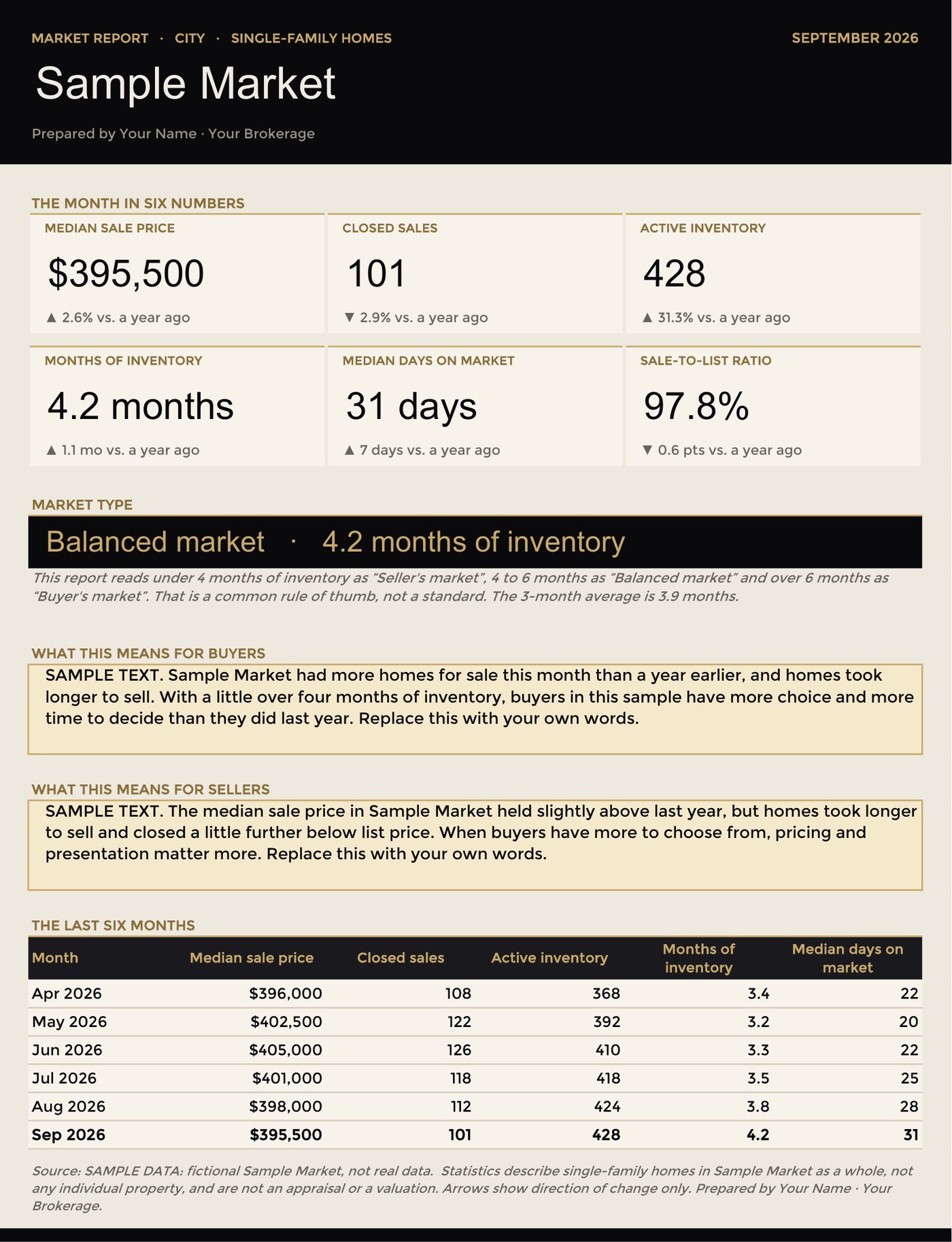
Enter your own monthly MLS figures for any city, county or ZIP. Get months of inventory, absorption, sale-to-list and year-over-year change, plus a one-page client report.
What is inside
Market Report Kit — for any market
Setup
Name your market (any city, county or ZIP) and set the months-of-inventory thresholds you use.
Monthly Data
Twenty-four months of your own MLS figures: listings, sales, pendings, inventory, prices and days on market.
Analysis
Months of inventory, absorption, sale-to-list, month-over-month and year-over-year change, rolling averages.
Client Report
A print-ready one-page report with headline numbers and your commentary for buyers and sellers.
Charts
Median price and months-of-inventory trends.
Guide
What each statistic means, a 30-minute monthly routine, and how to publish numbers responsibly.
The method
Questions
Which MLS does it work with?
Any. You enter the monthly figures from your own MLS statistics tool.
Can I publish the report?
Follow your MLS's rules on publishing and attributing statistics, and label the source and date. The guide covers this.
Is the market-type label a standard?
No. The thresholds are a common rule of thumb, and you can change them in Setup.
Instruments are planning and analysis tools. They are not legal, tax, accounting, financial or appraisal advice, and they do not promise or imply any income or result. Example figures are illustrations, not benchmarks.