Instrument No. 02
Every deal, every dollar.
One log for every closing: split, cap, royalty, referral and transaction fees, net to you and a tax set-aside. Year to date against plan, and your pending pipeline.
What is inside
Commission & GCI Tracker
Settings
Your split, annual cap and cap year, per-transaction fee, royalty with its own cap, GCI goal and tax set-aside.
Deal Log
Each closing with side, price, commission, referral fee, brokerage share against the cap, royalty, fees, net and set-aside.
Pipeline
Pending deals kept apart from closed, so the pipeline never inflates the year.
Monthly Summary
Units, volume, GCI, net and set-aside by month, with cumulative GCI against goal.
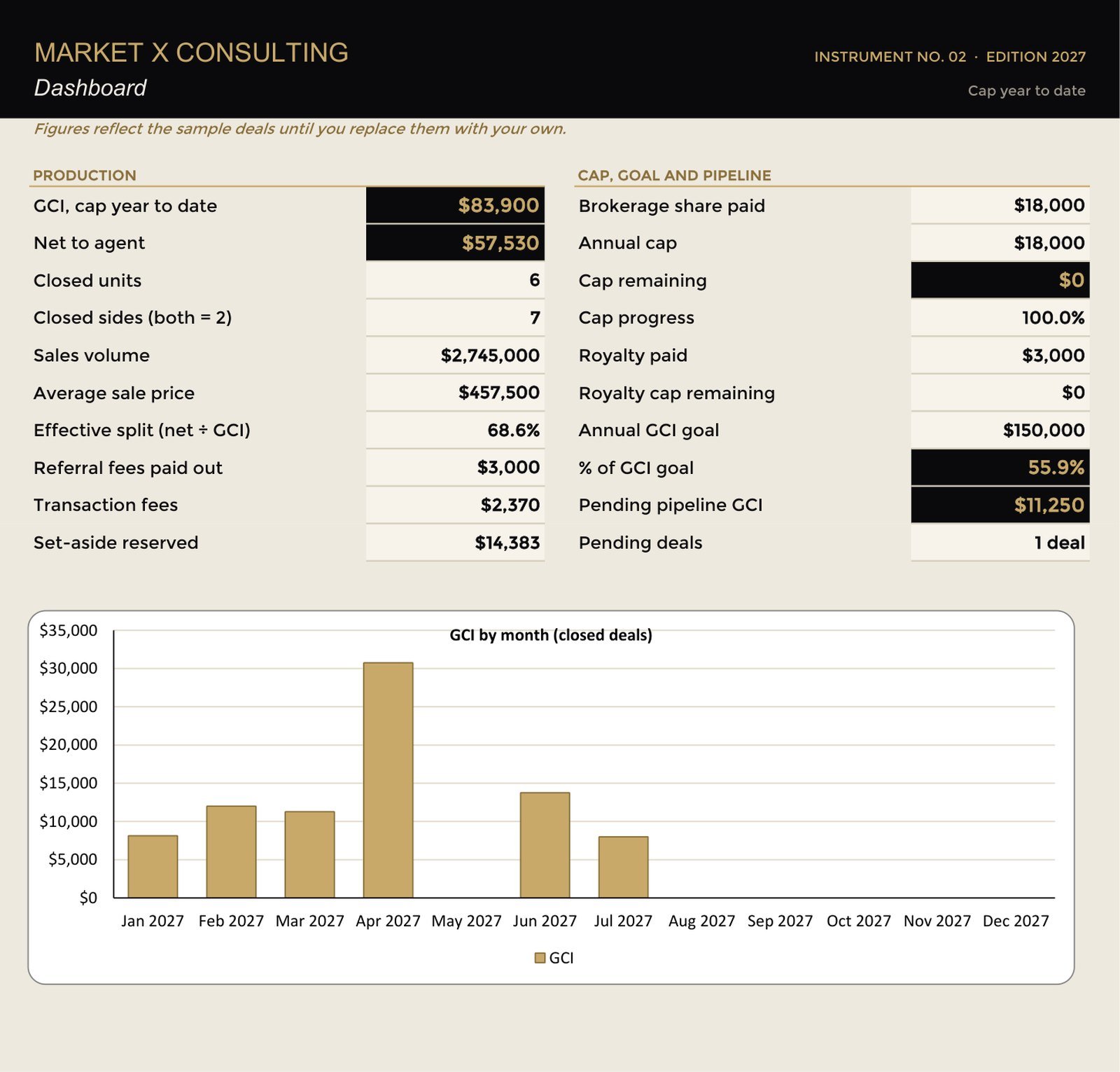
Dashboard
Year to date, cap progress and effective split on one screen.
Guide
A short designed guide to setup, the calculations and a ten-minute monthly close-out.
The method
Questions
Does it work if my brokerage has no cap?
Yes. Enter 0 for the cap and the brokerage share applies to every deal.
Does it calculate my taxes?
No. It sets aside the percentage you choose. Ask your tax professional what that should be.
Can I use it with the Business Plan?
Yes. Put your plan's GCI goal into Settings and the tracker measures the year against it.
Instruments are planning and analysis tools. They are not legal, tax, accounting, financial or appraisal advice, and they do not promise or imply any income or result. Example figures are illustrations, not benchmarks.